

Imagine joining a company that has been operating since 2001.
You are a financial professional, and part of your responsibility is to understand how the business has performed over the years. You need to examine revenue, expenses, assets, liabilities and other indicators that explain where the company has been and where it might be heading.
The company has kept its records. Annual reports are available. Financial statements have been archived. There are management reports, supporting schedules and documents explaining decisions made along the way.
The problem is that these records were not all created in the same era.
Some of the earliest reports exist as scanned PDFs. Their pages are photographs of printed documents, preserved faithfully enough for a person to read but not necessarily accessible to software as text. Tables have been captured as images. Numbers sit inside columns whose alignment carries meaning. Footnotes explain exceptions to the figures above them.
Later reports are different. They contain selectable text, searchable headings, embedded tables and charts. They may be easier to navigate, but the information is still spread across hundreds of pages and multiple reporting periods.
The company has years of financial history. You have a computer, a collection of PDFs and a question that sounds simple enough:
How has this business changed over time, and what do its records tell me about why?
This is not an unusual problem. It is what happens when an organisation outlives the tools and practices used to document its work.
And it reveals something important about the documents we have spent decades learning to create, store and share: preserving information is not the same as making it easy to use.
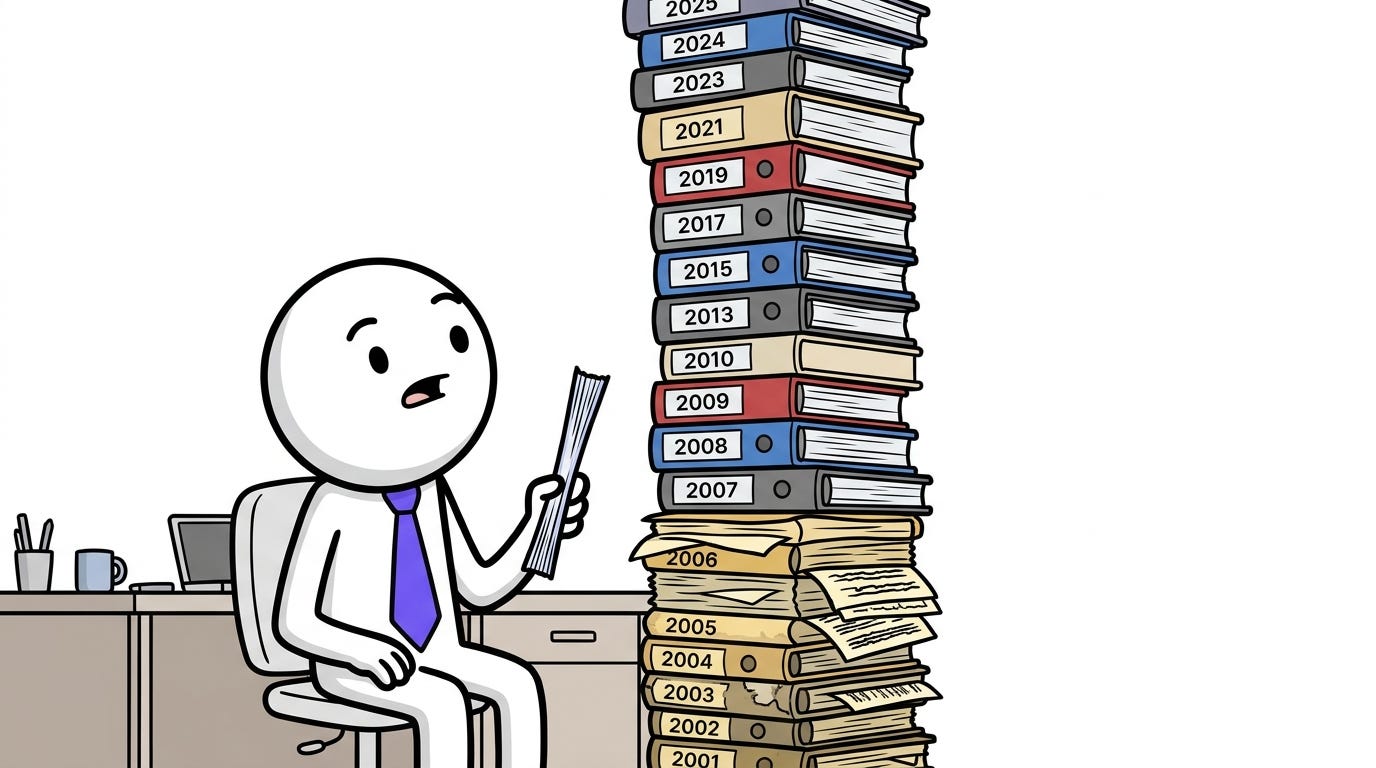
The records exist. The work is in making sense of them.
Your first instinct is probably practical.
You open the reports, search for familiar financial terms, copy figures into a spreadsheet and begin comparing years. For recent documents, this might be relatively straightforward. For older scans, you may need to inspect pages manually, zoom into tables, and retype figures that cannot be selected or copied.
You discover that the work is not simply about finding numbers. A figure in an annual report rarely tells the whole story by itself…
Revenue might have increased, but what drove the increase?
Did the company expand into a new market?
Did it acquire another business?
Was a reporting category redefined?
Did a change in accounting treatment affect comparability?
Even the act of comparing two numbers requires care.
Are both figures reported in the same currency?
Do they cover the same period?
Has a previous year’s figure been restated?
Does a footnote qualify what appears in the main statement?
The answers may already be documented. But they are not necessarily located where you expect them to be.
You move between reports, cross-check tables, follow references to notes, and try to establish which figures can reasonably be compared. A task that began as a review of company performance becomes an exercise in finding, reconstructing, and validating evidence.
For someone who works in finance, this is familiar territory. It is part of the discipline: numbers need context, comparisons need consistent definitions, and conclusions need to be supported by the underlying records.
The technology challenge is how to make that work less laborious without removing the judgment that makes it reliable.
The goal is not to remove the professional from the process. It is to remove unnecessary friction from the work that professional needs to do.
We have become very good at managing PDF files
PDFs solved an important problem. They made it possible to preserve the appearance of a document across different computers, operating systems, and printers. A report could be shared without relying on the recipient having the original software or fonts.
Over time, tools emerged to make these documents easier to manage. We can merge reports, split pages, rotate scans, search text, annotate documents and convert them into other formats. Products such as Adobe Acrobat, Smallpdf and iLovePDF have made many once-frustrating tasks routine.
These are useful capabilities. They reduce the friction involved when working with documents.
But there is a distinction between managing a document and working with the information inside it.
A PDF editor can help you rearrange the pages of a financial report. A text extractor can retrieve words from a digitally generated PDF. A spreadsheet can help you analyze figures once they have been captured in a suitable structure.
None of those operations, on its own, guarantees that a system can correctly interpret the relationship between a table’s heading, its values, the footnote beneath it and the paragraph explaining the accounting policy behind it.
That distinction becomes more consequential as organizations try to use AI to search, compare, summarise and reason across large collections of documents.
Attaching a PDF to an AI assistant and asking a question can be useful. It is also only one part of a much larger problem: making sure the system has actually read the relevant information, retained its context and produced an answer that can be checked.
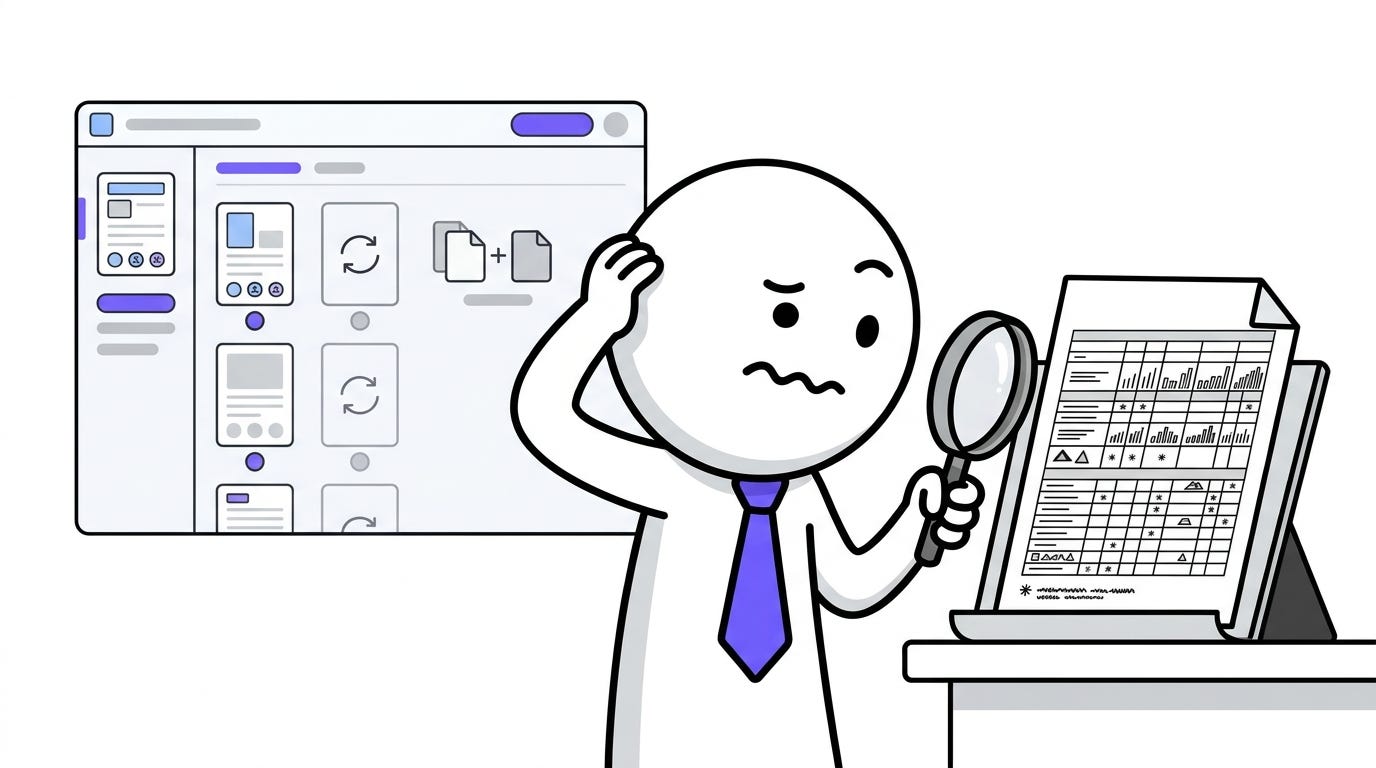
A page is more than the words printed on it
Return to the financial professional reviewing the company’s history.
Suppose an early annual report is a scan of a printed document. To a person, the page is readable. To a conventional text extractor, it may contain nothing at all.
The words and numbers are visibly present, but the PDF does not contain a usable text layer for software to retrieve. The system needs optical character recognition (OCR), which identifies text in an image and converts it into machine-readable characters.
OCR is an important first step. It is not the same as understanding the document.
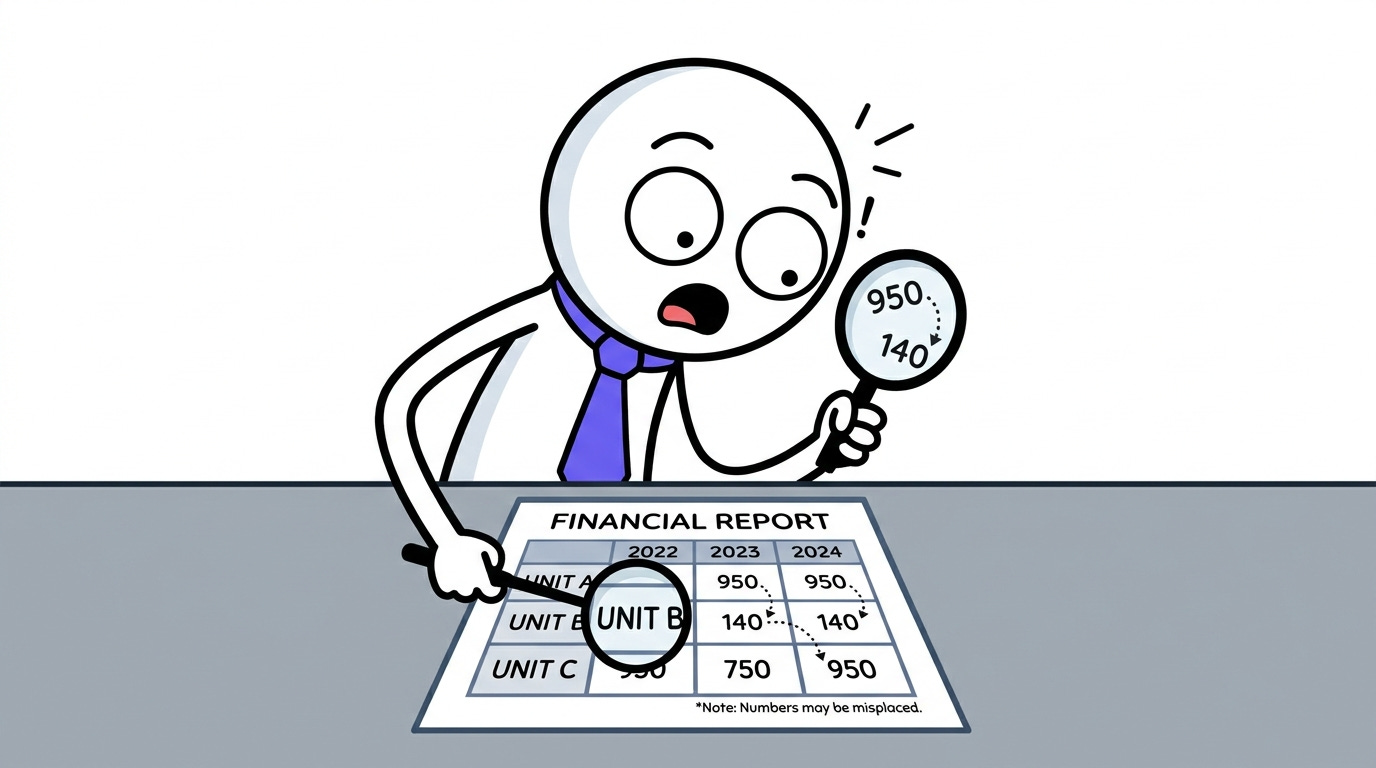
Consider a table containing revenue for several business units across multiple years. If the software recognizes every number but loses the row and column relationships, the extracted text may look plausible while conveying the wrong meaning. A value belonging to one business unit could be associated with another. A minus sign could disappear. A decimal point could be misread. A multi-level heading could become detached from the figures it qualifies.
In financial work, such errors are not merely cosmetic.
The same problem appears in newer reports, although in different forms. A digitally generated PDF may contain selectable text yet arrange it in a reading order that makes sense visually but not when extracted line by line. A chart may communicate a trend that is not described fully in the surrounding paragraphs. A footnote may qualify a headline figure but be overlooked when the system retrieves only the main section.
Imagine that revenue appears to have grown by 12%. Elsewhere on the page, a footnote explains that the comparative figures exclude a business unit that was subsequently sold. If an AI system retrieves the headline figures but misses the qualification, it might present the growth as a straightforward like-for-like comparison.
The answer could be fluent, well written and wrong in a way that is difficult to notice.
Recognizing the numbers is only part of the job. The system must also understand what those numbers belong to, what they measure, and which qualifications change their meaning.
This is why document intelligence is not simply a matter of converting PDFs into text. The system must preserve enough of the document’s structure to understand which information belongs together and what qualifications affect its interpretation.
Research into document-processing systems increasingly treats layout, tables and reading order as distinct technical challenges rather than assuming that recognizing words is sufficient. The Docling technical report, for example, describes an open-source approach to document conversion that addresses layout analysis and table-structure recognition alongside text extraction.
The practical lesson is straightforward: if the information is misread or its relationships are lost at the beginning, everything built on top of it inherits that weakness.
Finding an answer is not the same as supporting one
Now imagine that the company has digitized its historical reports and made them available to an AI assistant.
You ask:
How did the company’s profitability change between 2005 and 2025, and what factors appear to explain the biggest changes?
A useful system would need to do more than produce a summary of each report.
It would have to locate relevant financial statements and management commentary, identify the correct periods, retrieve supporting figures, account for changes in definitions where possible, and distinguish documented explanations from its own inferences.
It might need to compare a figure in one report with a discussion several pages later, or connect a chart with the accompanying explanation. It may need to identify a restatement or tell you that the available documents do not provide enough evidence to explain a change.
And when it produces an answer, you need to be able to return to the source.
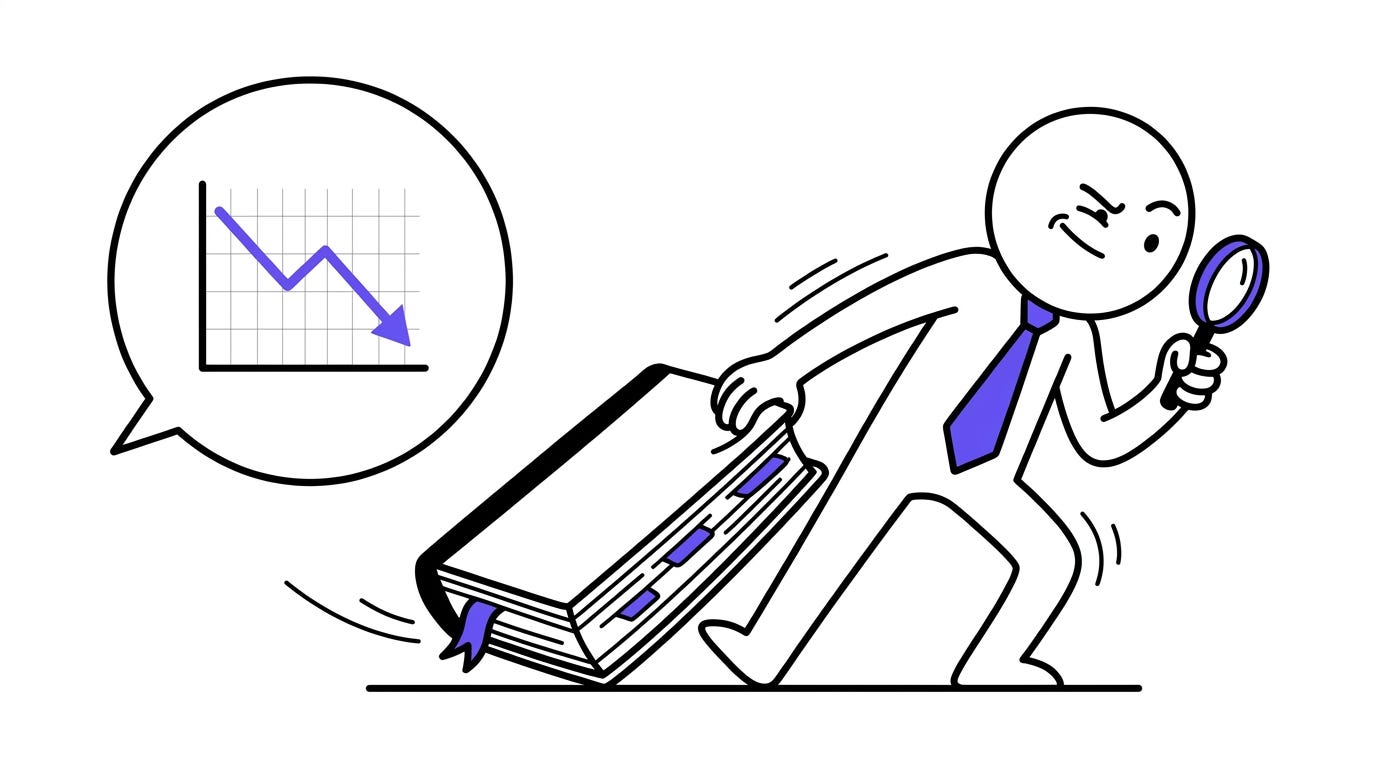
A statement such as “operating margins declined after 2014” is more useful when you can inspect the relevant figures, see which reporting periods were compared, and read the management commentary used to explain the change.
A citation or page reference helps you check the answer. It does not, by itself, prove that the answer is correct. The cited passage might be incomplete, the figures might have been extracted incorrectly, or the explanation might not support the conclusion drawn from it.
That is why a trustworthy document workflow needs several capabilities working together.
First, it must read the content, whether it comes from embedded text or scanned pages. It must then reconstruct the document’s structure, preserving relationships between headings, tables, captions, footnotes and other elements. It needs to retrieve the right evidence for a question, interpret that evidence in context, and make it possible to verify the result against the original source.
Depending on the task, further checks may be necessary. Financial figures can be reconciled against totals, compared with known reporting periods or reviewed against accounting rules. An AI-generated explanation can assist a professional’s work, but it should not silently replace the professional’s responsibility to assess the evidence.
These steps are not a guarantee of correctness. They are a way to make errors easier to detect and reduce the distance between an answer and the evidence behind it.
The goal is not to make a system sound knowledgeable about a company’s history. It is to help someone investigate that history with less manual effort and greater confidence in what the records actually support.
The document’s location matters, too
There is another complication in our example.
The company has decades of reports, but the financial professional may also have access to internal management accounts, board papers, forecasts and working documents. These could contain commercially sensitive figures, information about customers or employees, or preliminary assessments that should not be shared indiscriminately.
The public annual report and the internal working paper may sit in the same workflow, but they do not necessarily belong in the same processing environment.
Many AI document services work by sending some or all of a document’s content to a remote service. That can be appropriate, depending on the provider, its security controls, the organization’s policies, and the nature of the data. But it should be a deliberate choice rather than an invisible requirement.
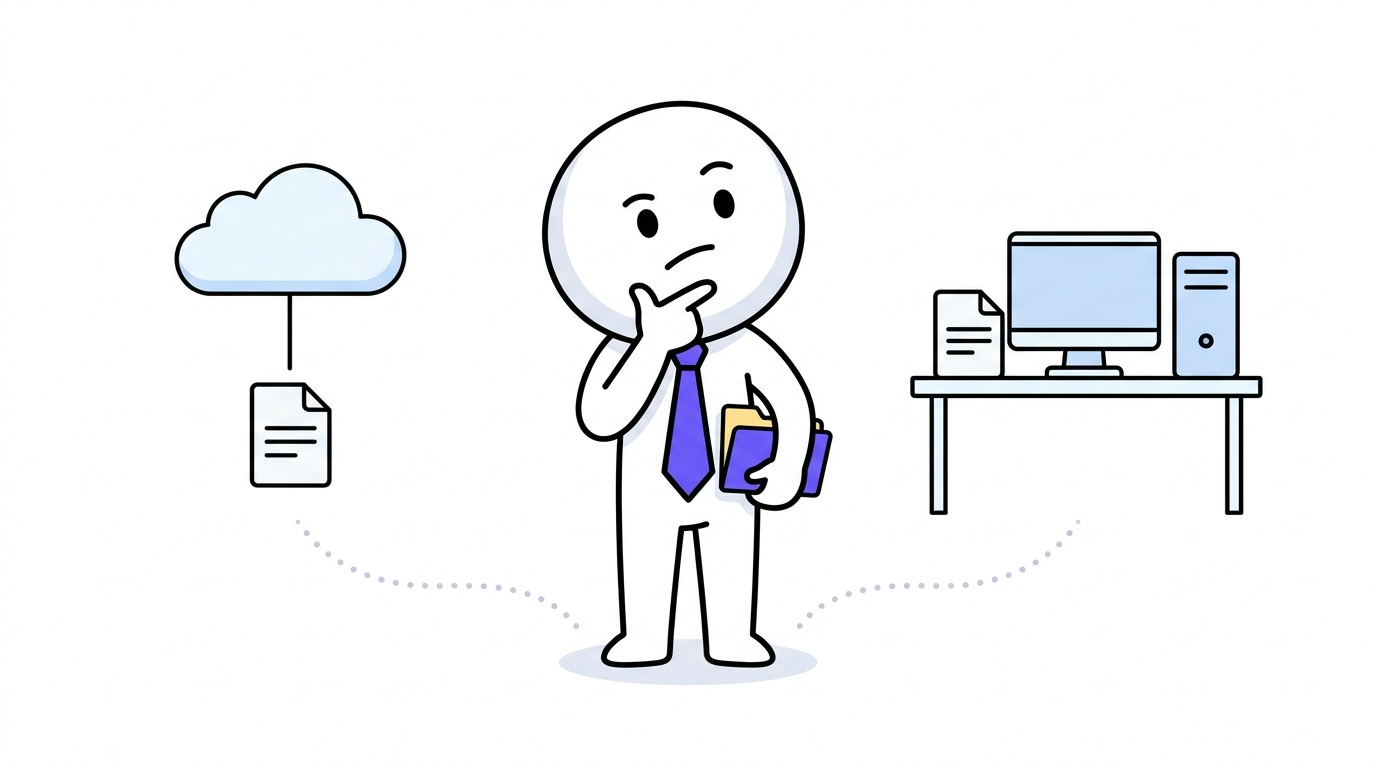
Should every document-processing task require a cloud service? Or should users have meaningful choices about where their information is handled?
A local-first application offers one possible approach. It puts the user’s machine at the centre of the workflow and can reduce the need to send documents to third parties, depending on how its features are implemented. This is particularly relevant when people need to inspect sensitive records or work in environments with strict data-handling requirements.
Local-first does not automatically mean secure. An application can still have vulnerabilities, store information carelessly, or connect to external services. Running an AI model locally also introduces practical trade-offs involving hardware, speed, model capability, maintenance, and updates.
Open source brings a different benefit: the code can be inspected, adapted, and improved under its license. That makes the software’s implementation more transparent to people who have the skills and access to examine it. It does not automatically make the application private, secure or accurate.
These distinctions matter because document intelligence is not just about what software can do. It is also about who controls the information, where processing happens, and whether users can understand the boundaries of the system they are trusting.
Building towards a more useful way to work with documents
Once the problem becomes clearer, the next question is what a better document workflow should look like.
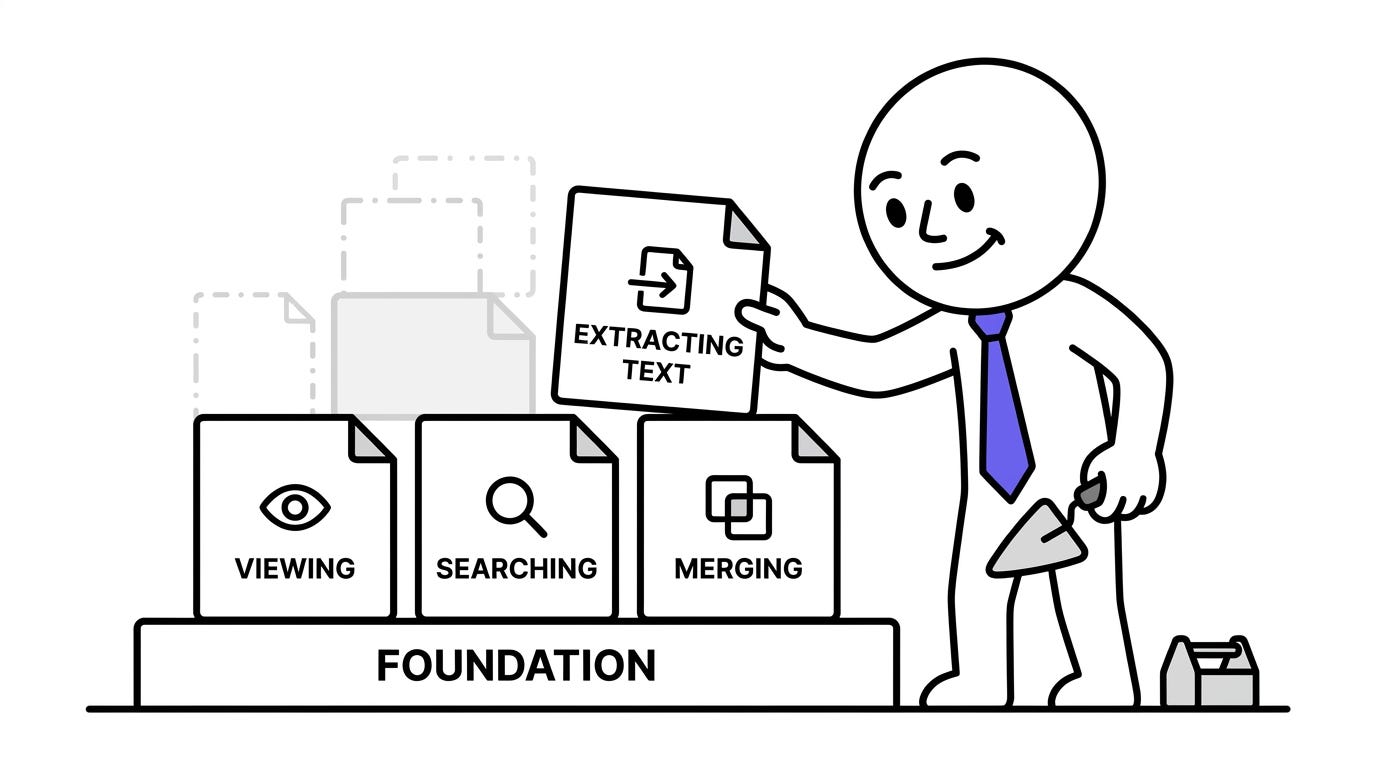
Not just a place to open a file. Not simply a chat box attached to a PDF. Something that helps people manage their documents today while providing a foundation for working more intelligently with the information those documents contain.
That is the direction I am exploring with PRISM Documents, an open-source, local-first desktop project by PRISM Data Studio.
The current version is deliberately more modest than the longer-term ambition. It is a Phase 1 PDF utility, built around dependable everyday operations: opening and viewing documents, searching text, navigating and zooming, merging and splitting PDFs, rotating and reordering pages, removing pages, extracting text page by page, and exporting modified documents.
The application uses an Electron desktop shell with a Python FastAPI backend. Its architecture is organised around modular capabilities, so functions can be developed and integrated without treating the entire application as one indivisible feature.
The backend runs locally on the user’s machine, using a loopback connection, an operating-system-assigned ephemeral port and a session authentication token. PDF viewing is handled in the renderer using PDF.js, while document operations can work with local file paths rather than requiring the files to be uploaded as document bytes.
Those implementation details are not the same as a complete security guarantee, and they do not mean every future capability will operate entirely offline. They describe the foundation being built today.
The distinction is important: PRISM Documents does not yet deliver the full document-intelligence workflow described in this article. OCR, richer document understanding, document question-answering and other advanced capabilities are future directions, not features to assume are already available.
The intention is to build towards a workspace where document operations and deeper analysis can develop together, while keeping the application modular and giving local processing a meaningful place in the design.
That ambition is relevant well beyond financial reports. The same underlying challenges appear when a legal team compares contract versions, an engineer searches technical manuals, a researcher reviews years of published studies or an operations team works through archived business records. Each setting has its own rules, and the cost of a mistake differs. But all depend on the same basic requirement: the information must be accessible without losing the context that gives it meaning.
The work is not finished when the file opens
Return to the professional who joined the company.
The historical reports were always there. The company did not suddenly acquire 24 years of financial history when AI arrived. What changed was the possibility of building better ways to search those records, compare them and investigate questions across them.
Yet the quality of that work will depend on more than the intelligence of the model answering the question. It will depend on the quality of the extracted content, the structure preserved during processing, the evidence retrieved, the checks applied and the professional’s ability to verify the result.
That is the problem worth solving.
We have become very good at preserving, opening and manipulating documents. The harder challenge is making their contents accessible, meaningful, verifiable and useful–without pretending that a readable page is already an understood one.
PRISM Documents is an early step in exploring that challenge through an open-source desktop application. There is plenty left to build, and the most useful next steps will be shaped not only by the code but by the real documents and workflows people need to handle.
If this problem resonates with you, you can explore the project, try the current version and contribute ideas, bug reports or code.
Explore PRISM Documents: github.com/nnitiwe-dev/prism-documents
PS: The question I am interested in is not simply how to get AI to answer questions about a PDF. It is how to help people work with the information inside their documents–and still have good reasons to trust what they find.